
Drones
Cameras, flight preparation, batteries, mapping workflows, and practical uses outdoors. Start with the task, then talk through the setup and its limits.
KTT · Eureka, Montana
Original camo starts with looking closely. The same curiosity drives our field tools, technical projects, and notes from life in Northwest Montana.
A closer look
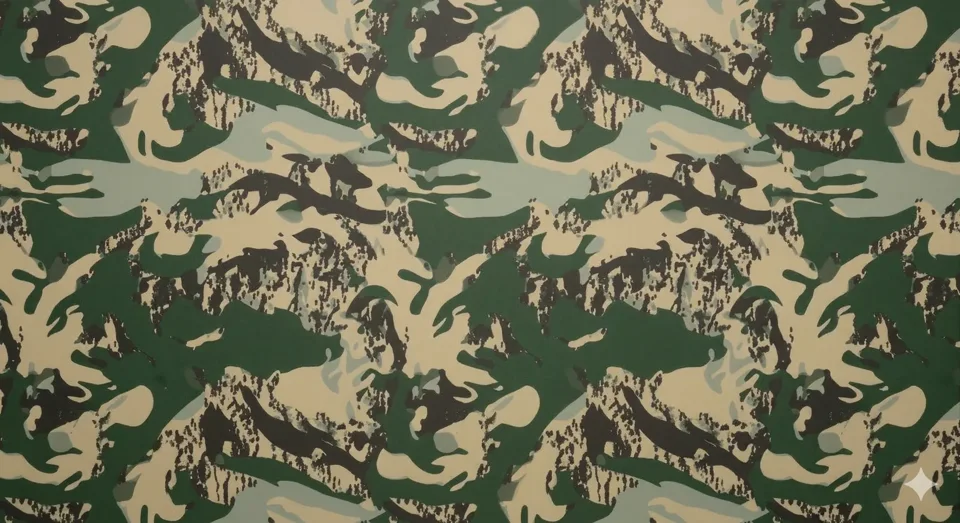
Follow the palette, repeat, and printed placement behind KTT’s original camouflage. A self-directed design study, with its evidence limits intact.
Explore the pattern →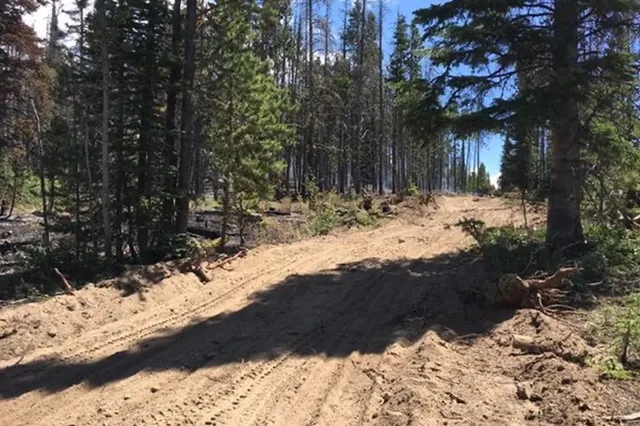
Trip Brief brings local conditions, essential kit, and three next actions together. Check sources and use your own judgment.
Build a Trip Brief →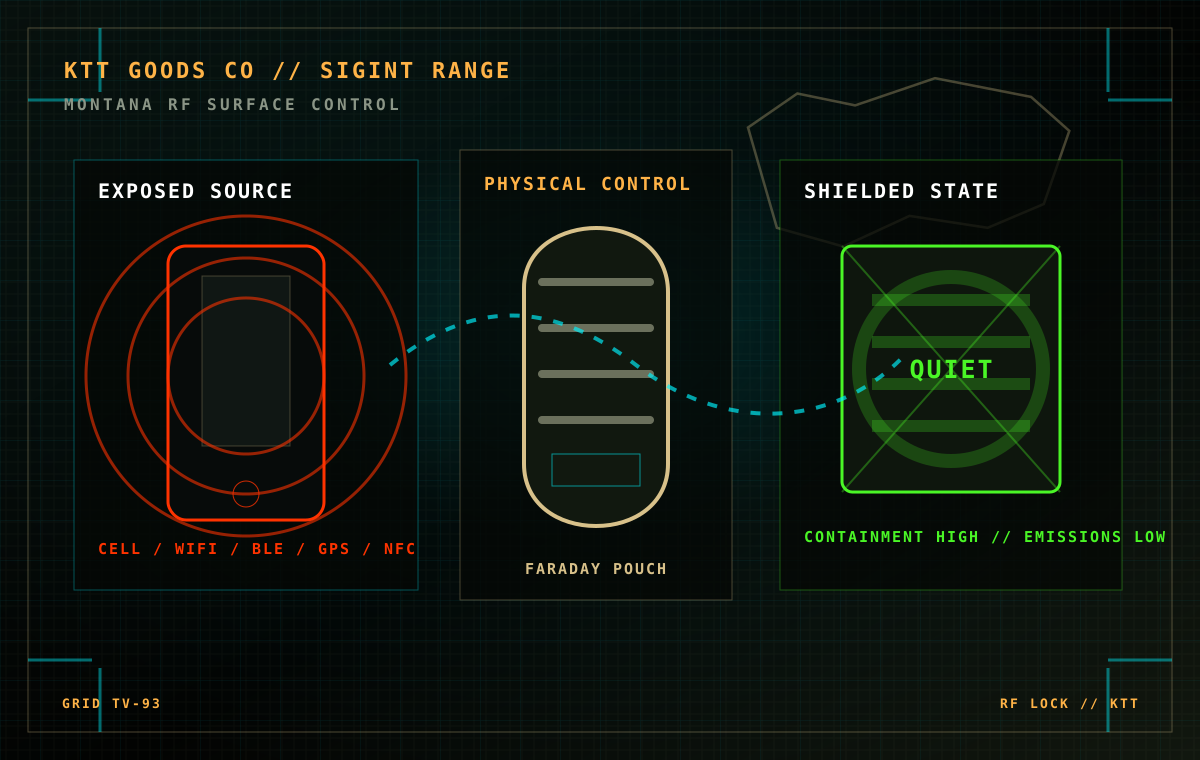
Explore possible wireless surfaces in Signal Range. An illustration of an enclosed workflow, with no measured attenuation claim.
Explore Signal Range →The full Workbench
All 14 guides, records, tools, and project files. Search by name or choose a topic.
Try another topic or clear the search. The library labels educational guides, company background, and documented field records separately.
Explore the videos →Choose a published note, research file, or tool. No account or setup required.
Separate local networking from internet access, check an offline file, and record what worked.
Read the networking guide →Record individual connections and closure conditions. A casual phone check is not a shielding measurement.
Read the Faraday-bag guide →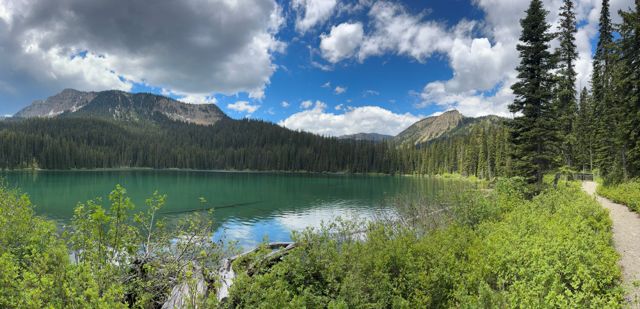
Give maps, conversations, weather, and power distinct jobs. No KTT coverage test is claimed.
Read the radio and phone guide →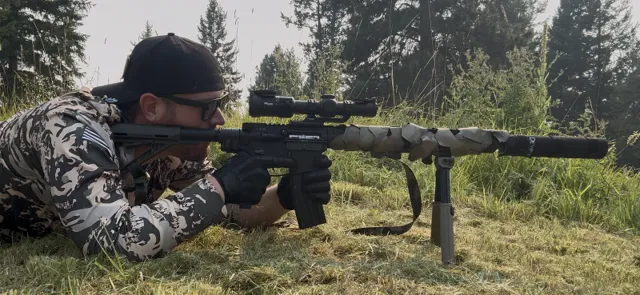
Airflow, moisture, and snug sleeves in the August 2 hoodie session. A MIXED result with clear limits.
Read the field record →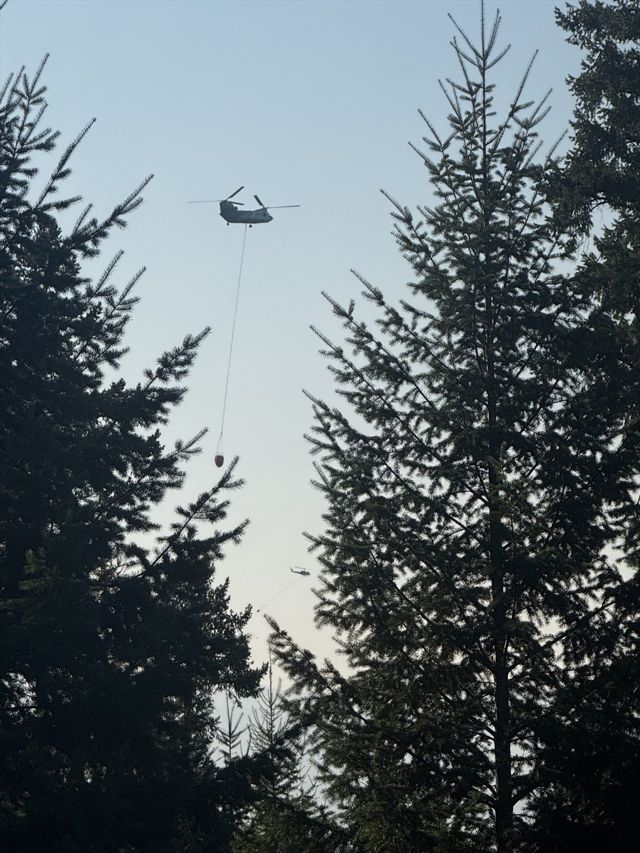
Five aircraft photographs and an archived map. Eyewitness context, not live incident guidance.
Open the photo journal →
Closure, attachment, access. Download the three-check gear card and keep one useful observation.
Get the free field card →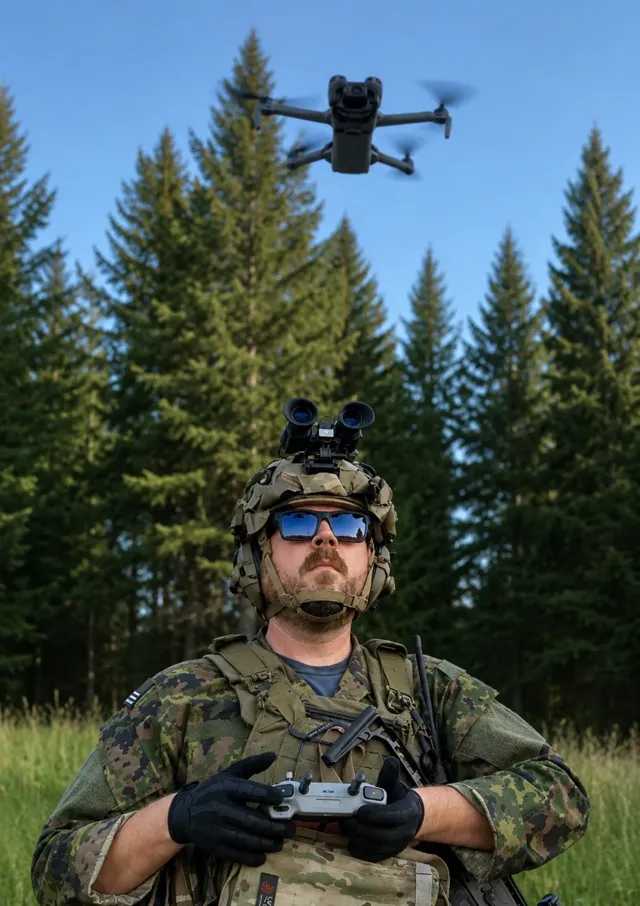
Drones, radios, networks, and signal protection: the interests behind the work. No equipment test results claimed.
Read the background →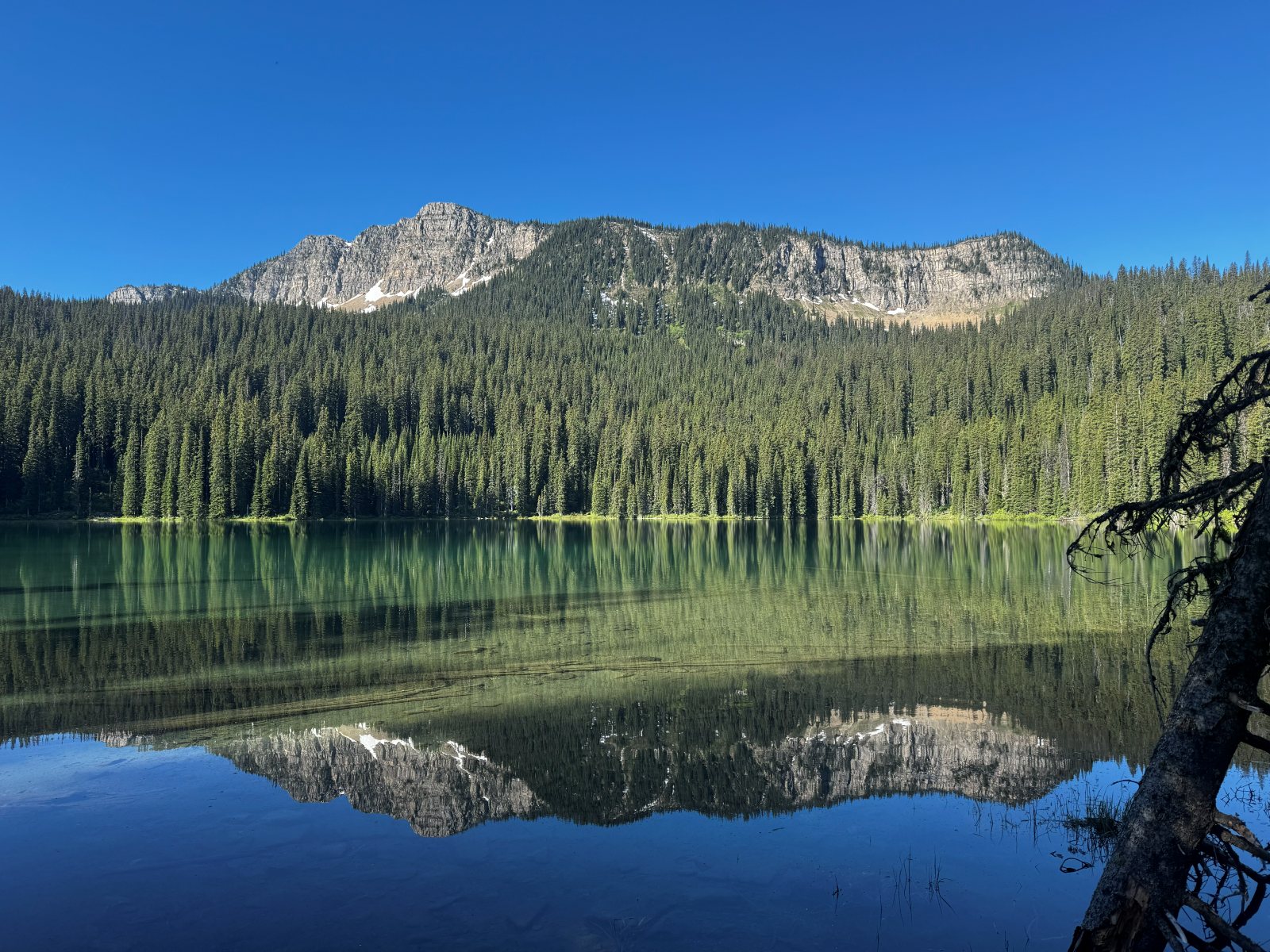 MOD 01Source board
Weather, alerts, fire, water, roads, and space weather, with source and freshness labels.
Check conditions →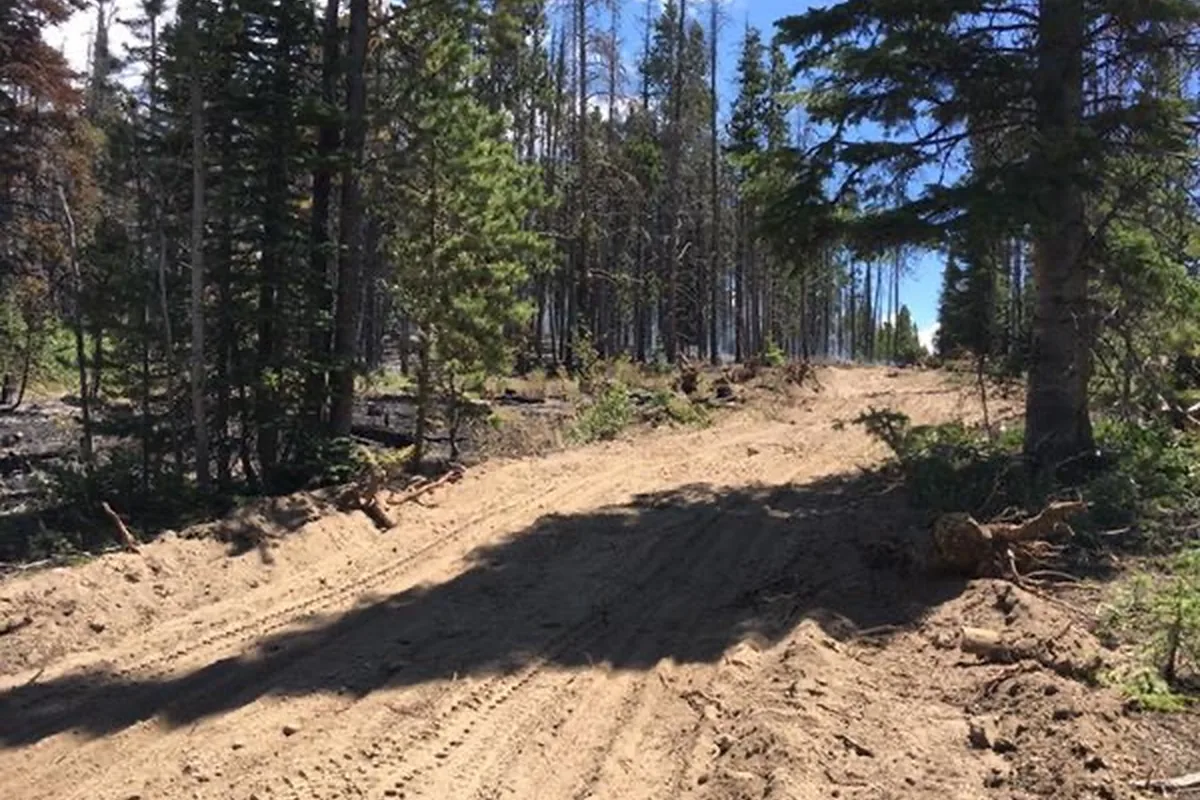 MOD 02Planning tool
Local weather and daylight, essential kit, and three actions for your next trip.
Build a Trip Brief →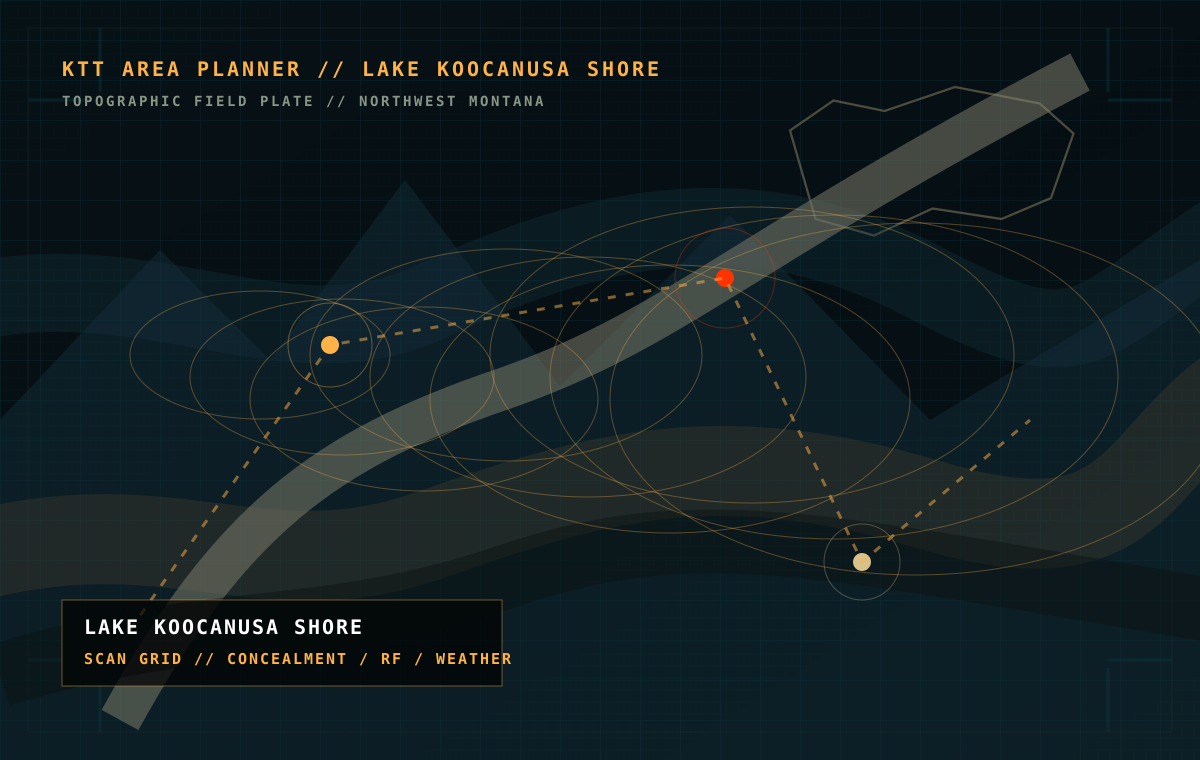 MOD 03
Study published imagery and record area notes. Routes and live hazards are not calculated.
Build an area brief →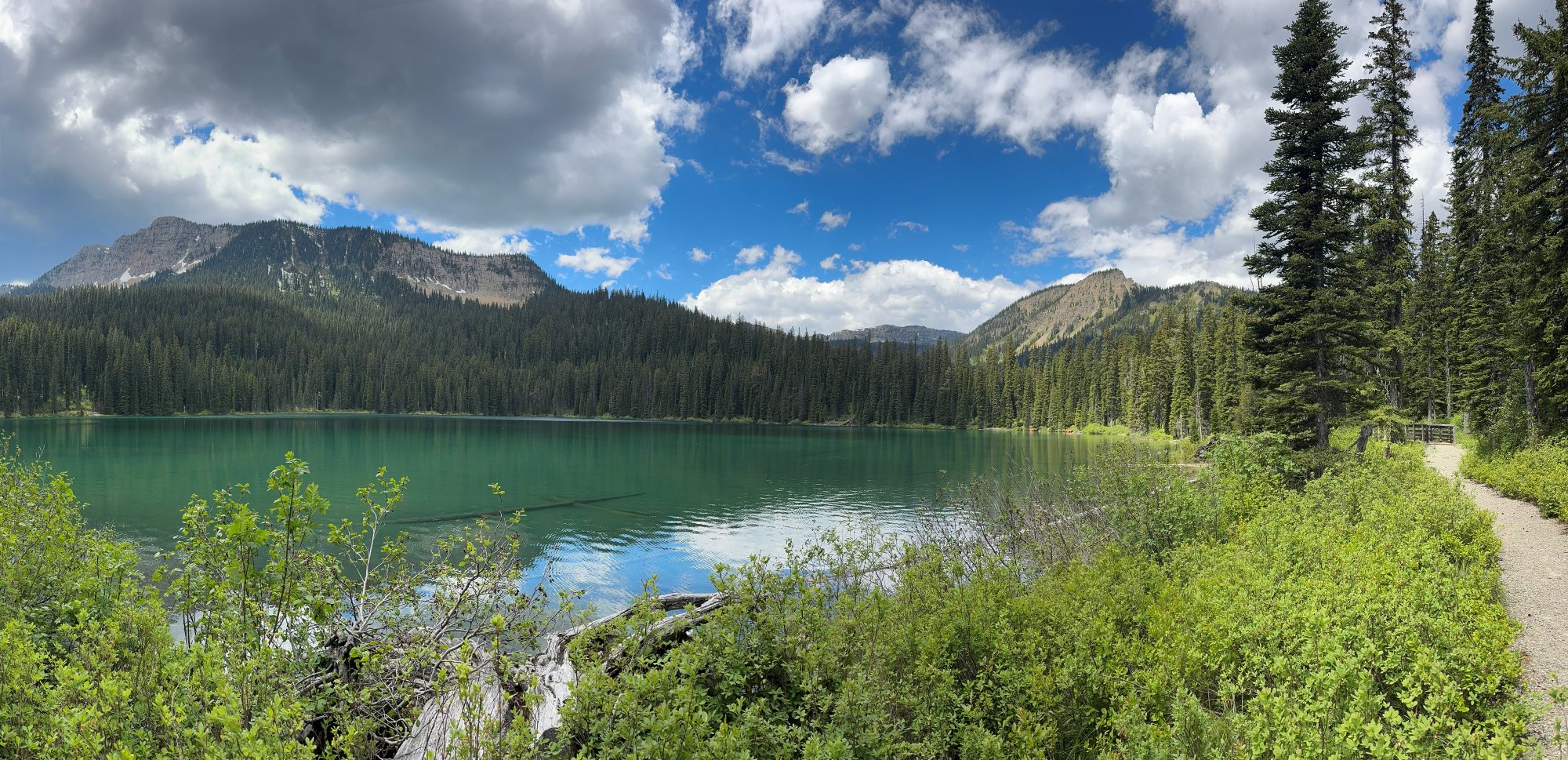 MOD 04
TV-D1 palette, repeat, printed placement, and the evidence still needed. A self-directed design study.
Read research notes → MOD 05
Explore possible wireless surfaces and an illustrative enclosed workflow. No measured attenuation.
Run signal drill →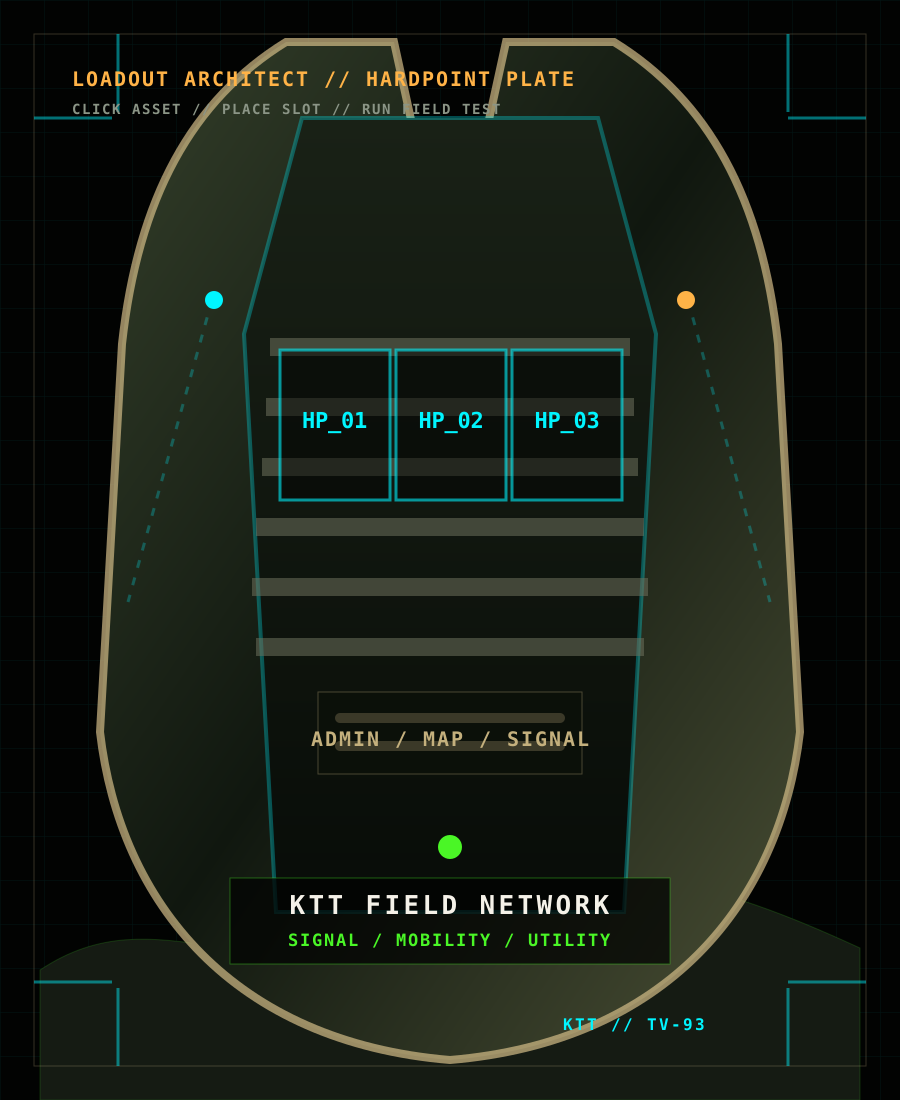 MOD 06
Place gear on a visual carrier and compare carry placement. A layout aid, not a verified fit result.
Build a loadout → MOD 07
Public field records, the evaluation queue, and the evidence required before publishing a result.
Open test record →// Query //
Answer three short questions. You will get one recommendation and a plain-English reason.
KTT conversations & projects
Our ongoing interests, from drone workflows and field communications to original camouflage. The library labels the educational guides, company background, tools, and documented observations available now.
Cameras, flight preparation, batteries, mapping workflows, and practical uses outdoors. Start with the task, then talk through the setup and its limits.
Separate local connections from internet access. Check an offline resource and record which devices and links your setup needs.
Read the networking guide →Antennas, terrain, power, equipment choices, and clear communication. Start by giving your radio and phone distinct jobs.
Read the radio and phone guide →Check individual connections under recorded conditions and understand what a casual phone check leaves unknown. Signal Range remains an illustration.
Read the Faraday-bag guide →Trip preparation, navigation, terrain, organizing equipment, and adapting when conditions change. Practical decisions for time outside.
Build a Trip Brief →TV-D1 leads the pattern work: palette, scale, print samples, and the next revision. Custom camouflage starts with your place, colors, and project.
Explore TV-D1 →